Publishing
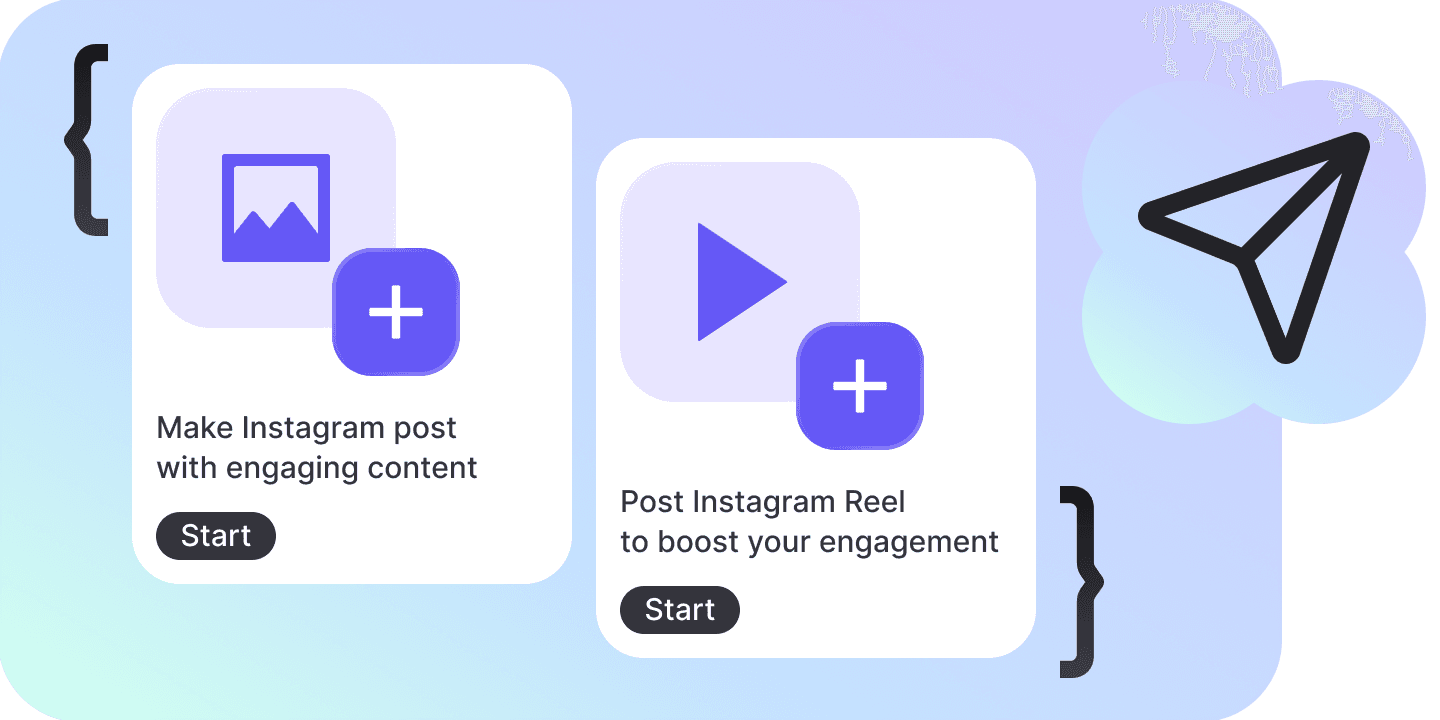
Run the Instagram account from the same app the conversations land in — write a post, a Reel, a Story or a carousel, send it now or put it on a day in the calendar, and keep everything already on the account beside everything about to go out.
Instagram publishing, inside your app
Everything that goes out to the Instagram account your bot is connected to, and everything already on it. Instagram is the only account it posts to.
Publishes four formats
A feed photo, a Reel, a Story, or a carousel of up to ten pictures and videos. Each is its own input on the API, so each gets the controls it actually has.
Shows what it would go out as
The four formats are four tiles, and once the draft carries a picture that picture fills every one of them. The row is four answers to what this would go out as, rather than four abstractions.
Sends it now, or holds it
Press the button and the post goes out; give it a time and it waits instead. The button says which of the two it is about to do, because the time beside it is what decides.
Draws the calendar
Month, week or list, opening on the week — a month of a publishing queue is mostly empty cells. Anything not already gone can be dragged to another slot.
Keeps the queue
Draft, Scheduled, Publishing, Published, Failed, in the order a post moves through them. A failure carries the platform’s own words for why, and the way back to it.
Reads the account back
Posts, carousels, Reels, Stories and ads already on the account, newest first. A tile opens the post on Instagram, or starts a new one from it.
Four formats, four different composers
A Story has no caption box because the input has nowhere to put one, and a Reel gets a cover, the frame to cut that cover from, and share-to-feed that no other format has. What a format cannot take is absent rather than drawn and greyed out.
Write the caption you meant to write
An emoji counts as one character here, the way Instagram counts it, so a caption full of them is never refused at half its length. Thirty hashtags is a nudge and never a block — the post is yours to publish.
A retry that cannot post twice
A publish blocks while the platform works, and losing that connection is not the same as knowing nothing landed. The account is read again and searched for what was sent before a retry is offered, because there is no unpublish.
A schedule that fires with nobody watching
Scaffold the database half and the queue lives on your own Postgres with a job beside it, so a post goes out at its time whether or not a tab is open. Rows are claimed before they are published and stale claims are put back, because a publish can run for five minutes and two ticks will overlap.
Write it, place it, publish it
One composer for all four formats, one queue behind both the calendar and the list, and one account the whole module points at.
Write the post
Pick the format, add the pictures — a file you upload, a link you paste, or something already on the account — and write the caption. The card is as tall as what is in it: a Story loses the caption region, a full carousel loses all three ways of adding more, and a Reel gains the three settings only a Reel has.
Give it a time, or don’t
The time and the button are one control: setting a time changes what the button says rather than adding a second button that is always the wrong one. A post with a time waits in the queue and sits on the calendar, where it can be dragged to another slot until it is publishing.
Publish
The post goes out, the queue records the id and the permalink it came back with, and the account is pulled down so the new post turns up in the library. Reading the connected account needs Bot · View; publishing, and reconnecting an account whose permissions are short, needs Bot · Edit.
The four things it can publish
Four separate inputs on the API rather than variations on one, which is why the composer changes shape with the format instead of greying half of itself out.
| Name | What it takes | Caption |
|---|---|---|
| Post | One photo, and the words under it. | |
| Reel | One video, plus a cover image, the frame to cut a cover from, and whether it also goes to the feed. | |
| Story | One photo or one video. The input has nowhere to put a caption, so the composer has no caption box. | |
| Carousel | Two to ten photos or videos, in the order you drag them into, under one caption. | |
The five states a post moves through
Ordered by the life of a post rather than alphabetically, because a status sort nobody can read is a dead control. All five belong to the app: the API has no post entity to hold one.
| Name | What it means |
|---|---|
| Draft | Written and kept, with no time on it. It goes out when you press the button. |
| Scheduled | Carries a time. Whether anything will act on that time depends on which queue the deployment has. |
| Publishing | The call is open. A feed photo is seconds and a Reel can be minutes, so this is a state somebody watches rather than a flicker. |
| Published | On the account, with the permalink it answered with. The row offers Remove, which takes it out of this list and leaves Instagram alone. |
| Failed | Refused, or lost. It carries the platform’s own words for why, and the way back to it is the composer. |
Three ways a picture gets into a post
Every publish input carries a link and Instagram’s own servers fetch the bytes, so what matters about a source is not where it came from but whether it will still answer later.
| Name | What it is | Safe to schedule |
|---|---|---|
| Upload a file | Stored, waited on until it has an address, and published from that address. Anyone holding the link can fetch it, and it is deleted a short while after it lands. | |
| Paste a link | Any address Instagram’s servers can open on their own. One that needs an Authorization header cannot be published, however valid it looks in a browser that is already signed in. | |
| Media on the account | Something already published, picked out of the library. It is somebody else’s storage and carries no deadline. |
The numbers it works to
Instagram enforces the first three and the module enforces them first, at the control, so a five-minute wait does not end in a refusal. The rest are the module’s own, picked against what a publish actually costs.
| Caption | 2,200 characters |
| Hashtags before a warning | 30 |
| Items in a carousel | 2 to 10 |
| Time a publish is given | 5 minutes |
| Time an upload is given to become a URL | 2 minutes |
| How long an uploaded file lasts | 2 hours |
| Media in a page of the library | 24 |
| Media pulled from Instagram before a listing | 30 |
| Wait on a lost publish before a retry is offered | 20 seconds |
| Posts kept in a browser-only queue | 200 |
FAQs
Only where something is running to fire it. The Chatfuel API publishes immediately and has no scheduled publish of its own, so the schedule is the deployment’s: scaffold the database half and the queue is a table on your own Postgres with a job beside it. Without it the queue is the signed-in user’s own storage — drafts and publish now — and the time control is absent, not present with an explanation beside it.
Accounts