Inbox
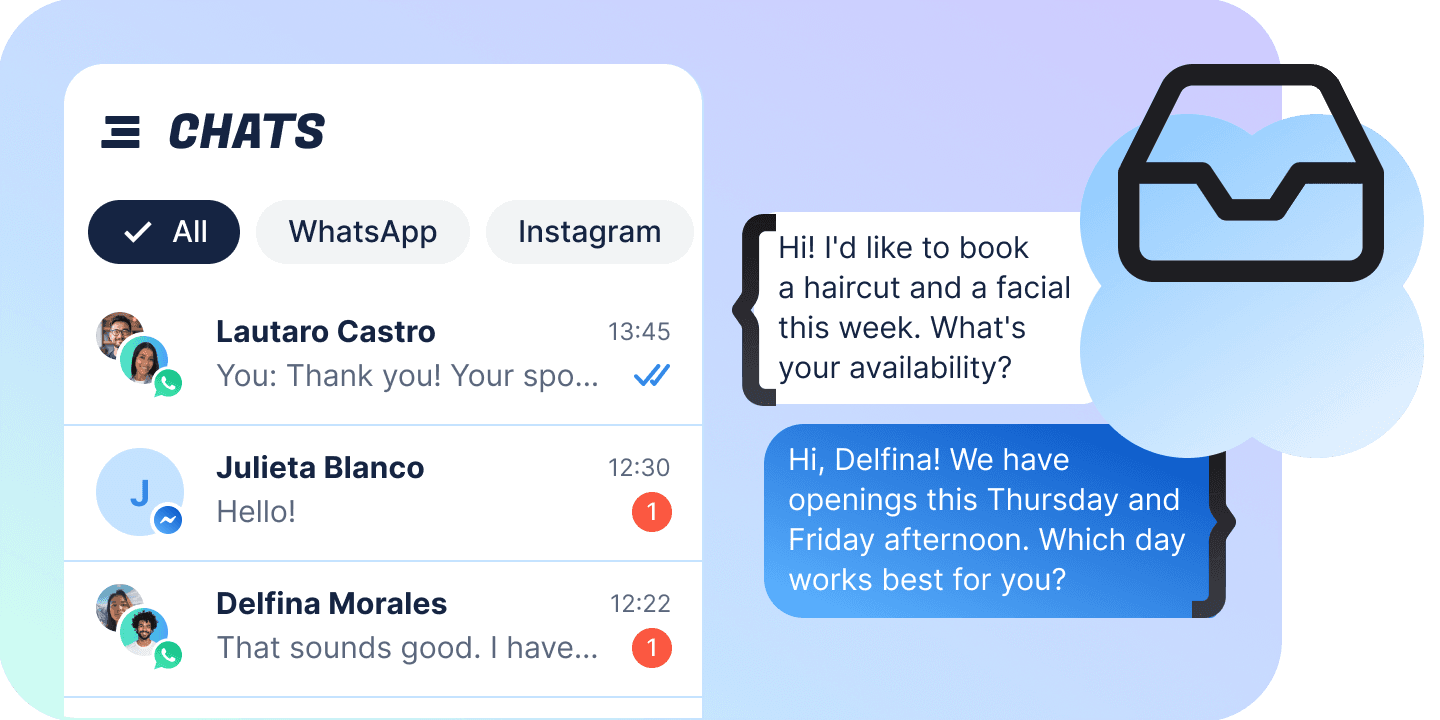
Every conversation the bot is having, five platforms in one list: the AI answers until you take it over, the thread renders what each platform actually sent, and closing one means choosing the flow that picks the contact back up.
One inbox, not five tabs
WhatsApp, Instagram, Facebook, TikTok and the website widget arrive in the same list, and a conversation is marked Automated for exactly as long as the bot has it.
Take it from the AI
A conversation the bot is running shows as Automated. Take over moves it to Open and the automation stops answering.
Reply in the thread
Text, a file, an emoji, one of your saved replies — or, on WhatsApp, an approved template filled in from a form.
Assign it
To a teammate, to Fuely AI, or to nobody at all. The roster is the bot’s own team, and the picker is one keystroke away.
Mark it won or lost
Both set the contact’s sales stage — the field the deals board is built on — and leave the conversation exactly as it was.
Hand it back to a flow
The only real close. You pick which flow takes the contact next, and the picker shows only the flows that run on that platform.
See what failed
A send is accepted, not delivered. Failures arrive later on the message itself, each written as the thing to do about it.
Live on one connection
The list and the open thread ride one WebSocket: a conversation lands in place, a reply appears as it is sent, the tick walks from sent to read. Nothing polls, and nothing waits for a refresh.
The 24-hour window, before you type
WhatsApp closes a day after the contact last wrote, and you find out before you type: the composer greys and the template button stays lit. An approved template is the way back in.
A platform limit is an error on the message
Instagram’s window, TikTok’s ten messages per 48 hours, a template Meta paused overnight — none of them fail the send. They come back on the bubble afterwards, as a sentence saying what to do about it.
Built for the keyboard
j and k walk the list, e closes, a assigns, / searches, ⌘K opens the palette. Every one of them stands down while you type, so “let me take a look” does not close the chat.
Automated, open, closed
A conversation belongs to the bot until an operator takes it, and it goes back to the bot when the operator is done. The header says which of the three it is at any moment.
Automated
The status that means the bot has it. The AI is answering and the thread is a transcript you can read — in the same list as everything else, so nothing is hidden while the bot works.
Take over
One button moves it to Open and the automation stops. From here you type, attach a file, send an approved template, assign it to a teammate or to Fuely AI, and read the contact’s card beside the thread.
Hand over
Closing means choosing the flow that takes the contact next — there is no plain close. Mark as won and mark as lost sit in the same menu and do something different: they set the contact’s stage and leave the conversation open.
What you can send, per channel
The five channels take different files and the differences are not alike. A file the channel cannot carry is refused when you pick it, before a byte is uploaded.
| Name | On this channel | You can send |
|---|---|---|
| The one channel with templates, and the one that sends a filename with a file. | ||
| Text | Typed in the composer — while the 24-hour window is open. | |
| Image | Uploaded the moment you pick it, then sent as its own message. | |
| Video | WhatsApp cannot send videos — only images, audio files and documents. | |
| Audio | A voice note or an audio file, as its own message. | |
| Document | The one place a filename travels with the file. Elsewhere it is rejected. | |
| WhatsApp template | An approved template, filled in from the form the server returns — and the way back into a closed window. | |
| Web widget | A preview conversation is read-only: it can be read, but nothing sends to it. | |
| Text | Typed in the composer, or inserted from one of your saved replies. | |
| Image | The one attachment the widget carries. | |
| Video | Web widget cannot send videos — only images. | |
| Audio | Web widget cannot send audio files — only images. | |
| Document | Web widget cannot send documents — only images. | |
| There is a reply window here too, and this build does not gate it — the error arrives on the message. | ||
| Text | Typed in the composer. Comments and story replies land in the same thread. | |
| Image | Sent as its own message; a caption is a second one. | |
| Video | Instagram and Facebook are the two channels that carry video. | |
| Audio | A voice note or an audio file, on its own. | |
| Document | Instagram cannot send documents — only images, videos and audio files. | |
| Video and audio go out; documents do not. | ||
| Text | Typed in the composer, or inserted from one of your saved replies. | |
| Image | Uploaded the moment you pick it, then sent as its own message. | |
| Video | Uploaded first, then sent on its own like any other file. | |
| Audio | A voice note or an audio file, on its own. | |
| Document | Facebook cannot send documents — only images, videos and audio files. | |
| TikTok | Ten messages every 48 hours before the contact writes back. | |
| Text | Typed in the composer. The cap is reported on the message, not on the box. | |
| Image | The one attachment TikTok carries, in either direction. | |
| Video | TikTok cannot send videos — only images. | |
| Audio | TikTok cannot send audio files — only images. | |
| Document | TikTok cannot send documents — only images. | |
What arrives in the thread
A message is one interface with 76 concrete types across the five platforms, plus Chatfuel’s own system lines. These are the ones that are not simply text.
| Buttons, list rows and template buttons render under the bubble, never inside it. | |
| Tapped a button | The contact chose a reply button instead of writing. |
| Tapped a template button | A quick reply on a template the bot had sent earlier. |
| Chose a list option | The row they picked out of a list message, with its own description. |
| Media WhatsApp withheld | The platform said media exists and never delivered it. There is nothing else to read. |
| Web widget | Every button the contact tapped comes back as its own message. |
| Text with buttons | What the contact was offered, as a transcript. A reply button here is not pressable. |
| Tapped a button | A continue-flow button in the website chat. |
| Tapped a link button | The link button they tapped, with its URL. |
| Tapped the call button | The call button they tapped, with the number. |
| Public surfaces land in the same thread as the direct messages. | |
| Comment on a post | With the post it was left on. |
| Comment on a reel | With the reel it was left on. |
| Comment on an ad | With the ad it was left on. |
| Reply to a story | The story is shown beside what they wrote. |
| Public reply to a comment | What the bot or an operator posted publicly, tied to no post. |
| A message that came from a Click-to-Messenger ad names the ad above it. | |
| Comment on a post | With the page post it was left on — its text, picture and link. |
| Tapped a button | The contact chose a button instead of writing. |
| Opened an m.me link | With the ref the link carried, which tells two links apart. |
| File | An inbound file. No filename exists on it, so there is nothing to label it with. |
| Public reply to a comment | The reply posted under the comment itself. |
| Unsupported Facebook message | Something the schema does not model. The thread says so rather than printing nothing. |
| TikTok | Text and photos only — no video, no audio, no documents in either direction. |
| Comment on a post | With a link to the video it was left on. |
| Photo | The one attachment TikTok carries. |
| Public reply to a comment | The reply posted under the comment itself. |
| System | Not bubbles: centred lines about the conversation itself. |
| Opened by an operator | An operator opened the live chat. |
| Handed over by an automation | The automation handed this chat to an operator. |
| Opened by a booking | A booking opened the live chat. |
| WhatsApp Business app | Opened from the WhatsApp Business app. |
| Instagram app | Opened from the Instagram app. |
| Facebook app | Opened from the Facebook app. |
| TikTok app | Opened from the TikTok app. |
| Closed automatically | The live chat closed automatically. |
| Conversation summary | The summary the server attached to the conversation. |
| Conversion event | A conversion event was reported to Meta. |
What it holds
The page sizes the client asks for, the caps it enforces, and the two clocks it cannot argue with.
| Conversations per page | 50 |
| Messages per page | 50 |
| WhatsApp templates per page | 50 |
| Attribute catalogue per page | 100 |
| Files waiting to be sent | 10 |
| Saved replies | 50 |
| Saved views | 50 |
| A saved reply’s name, or a view’s | 60 characters |
| A saved reply’s text | 2,000 characters |
| WhatsApp reply window | 24 hours |
| TikTok before the contact replies | 10 messages per 48 hours |
FAQs
By handing it back to a flow. There is no plain close on this API — closing and choosing which flow picks the contact up are one action, so the menu asks which one. Mark as won and mark as lost live in the same menu but do something else: they set the contact’s sales stage and leave the conversation exactly as it was.
Flow Builder