Contacts
Every contact the bot has, not only the ones who have written in — filtered on any field it stores, kept as a view, edited in the row, and out again as CSV.
Every contact, not only the ones who wrote
Filter the table on anything the bot stores, keep that filter as a view, and change the rows you picked.
Lists every contact
The default engine is the one that sees the whole address book, including the contacts a CSV import created who have never written in.
Finds anyone, by anything
By name or phone, by owner, stage, unread, channel or when they last wrote — or by any field the bot has ever stored on somebody.
Counts you can trust
When a filter can only narrow the rows already on screen, the list says so — rather than printing the smaller number as though it were the answer.
Opens a record
Name, note, stage, owner, every field the contact carries, the conversation itself, and the appointments inside a window.
Administers the fields
The bot’s whole attribute catalogue: how many contacts carry each field, how many flows read it, what it is stored as, and what its bot-wide default is.
Counts the audience
Contacts you can see, contacts on the bot, how many have a conversation, and the split by channel, by stage and by owner — every figure a count the server returned.
Conditions that nest
Up to twenty conditions over any field the bot carries, in groups, with and inside a group and or between them. “Berlin or Hamburg, no phone, not Lost” is one filter — and it saves as a view.
Your views, and edits in the row
A view stores the filter, the columns, the density and its rolling window under your own account, and five are there before you save anything. Name, stage, owner and note are editable in the cell.
Bulk changes that own the arithmetic
There is no bulk mutation in this API, so a run of 500 is 500 requests: the cap is stated up front, a partial result is reported row by row, and undo writes the old value back rather than rolling anything back.
CSV in both directions
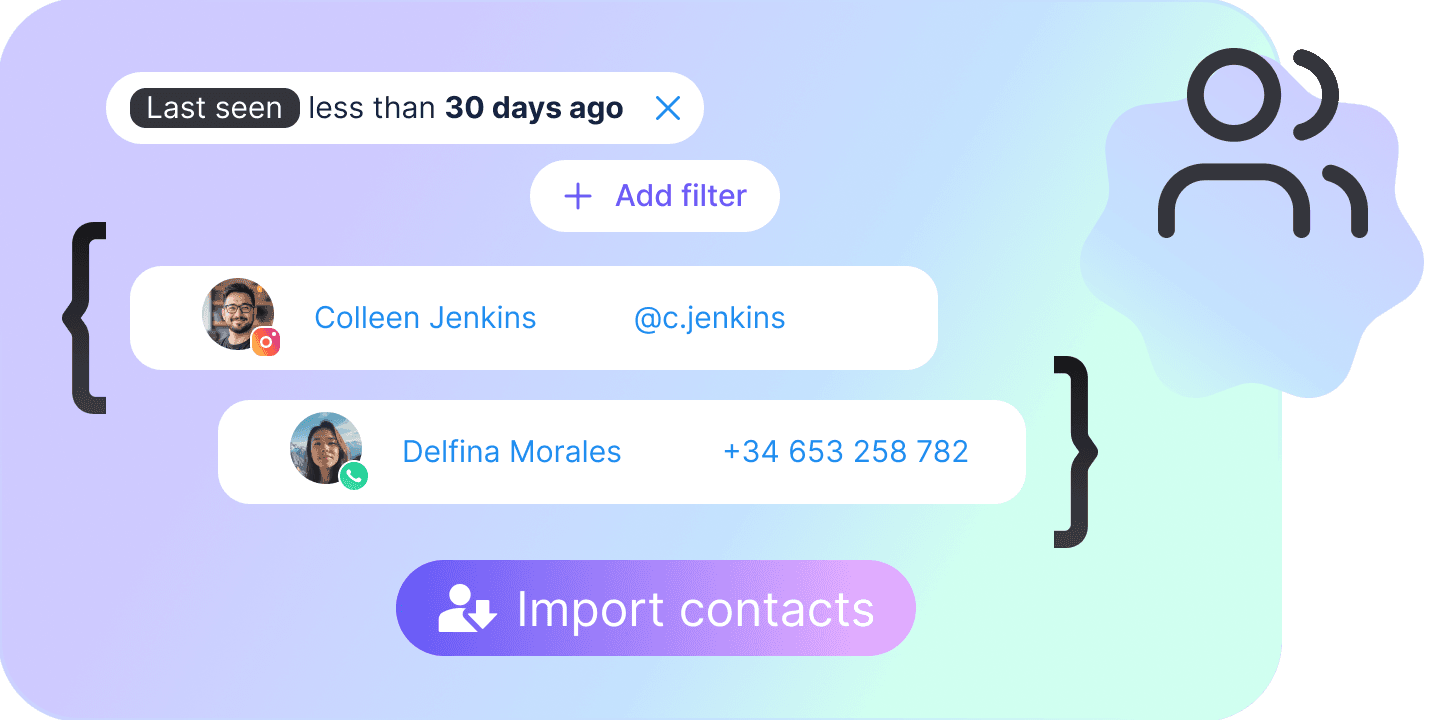
An import arrives with its columns already mapped and counts up as it runs, because the API never says how many rows the file has; a row whose phone matches an existing contact updates it. An export runs as a server-side task and hands back a plain URL.
Filter, save, act
One filter model feeds every surface, and it is deliberately larger than either engine can honour alone — the module works out what the server can answer and what has to be narrowed here.
Filter
Conditions over any field in the bot’s catalogue, plus the conversation filters — search, owner, unread, stage, a last-message window. A field name that no longer exists matches nobody in silence, so names are checked against the catalogue before the query goes out.
Save the view
The filter, the columns, the density and the rolling window, stored under your signed-in account. Forty of them, and a bot with none starts on five: Unassigned, Unread, Hot leads, No phone, Recently active.
Act on the rows
Edit a cell, open the record, change the stage or the owner across a selection, export exactly what is selected. Reading needs People · View, and every write — including the import — needs People · Edit.
Eight ways to compare a field
A condition is a field, an operator and its values. The tick says whether the server answers it exactly, or whether it is reading the value several ways at once and keeping the row if any of them matches.
| Name | What it matches | Exact |
|---|---|---|
| Matching | ||
| is | The field equals one of the values you list — several values read as an or. | |
| is not | The field is anything other than the values you list. | |
| contains | The value appears somewhere inside the field. | |
| starts with | The field begins with what you typed. One value, not a list. | |
| Comparison | The server reads the field and the value as text, as whole numbers, as decimals and as dates, and keeps the row if the condition holds for any one of those readings. | |
| is after / greater than | Greater than the value, compared every one of those ways at once. | |
| is before / less than | Less than the value, compared the same approximate way. | |
| Presence | ||
| is empty | The contact carries no value for the field. Takes no value of its own. | |
| is not empty | The contact has a value — and a bot-wide default on the field makes that true of everyone. | |
The eight columns of the table
Every one is a field on the contact itself, and any name in the attribute catalogue can be added beside them. None of the eight sorts: the server orders by an attribute name, and there is no attribute name for a stage, an unread count or a last message.
| Name | What it shows | Editable |
|---|---|---|
| Name | The contact’s own name, or Unnamed. The one column that cannot be hidden. | |
| Channel | WhatsApp, Instagram, Facebook, TikTok or the web widget — a contact is a different type on each. | |
| Phone | WhatsApp only. The field does not exist on any other channel. | |
| Stage | New, Sorting, Ready, Working on, Won or Lost. | |
| Owner | The teammate assigned, Fuely AI, Unassigned, or Deleted user when the account is gone. | |
| Last active | The last message on the conversation, or when the record last changed for a contact that has never messaged. | |
| Unread | How many messages are waiting on the conversation. | |
| Note | The free-text note kept on the record. |
What it holds
The API documents almost none of these. They are the module’s own ceilings, picked against what the API actually does — a page of 500 works and a page of 1,000 fails, and there is no bulk mutation, so a run of 500 is 500 requests.
| Rows in a page | 50 |
| Pages pulled before a click | 6 |
| Rows one query may ask for | 500 |
| Rows one bulk run touches | 500 |
| Contacts in an export by selection | 100 |
| Conditions in a filter | 20 |
| Groups in a filter | 10 |
| Saved views | 40 |
| Saved view name | 60 characters |
| Fields read from the catalogue | 500 |
FAQs
No. There is no delete mutation in this API — not soft, not hard, not one at a time and not in bulk — and there is no merge, no block, no unsubscribe and no tags either. A button for any of them is a button that has to be taken back, so the module ships none.