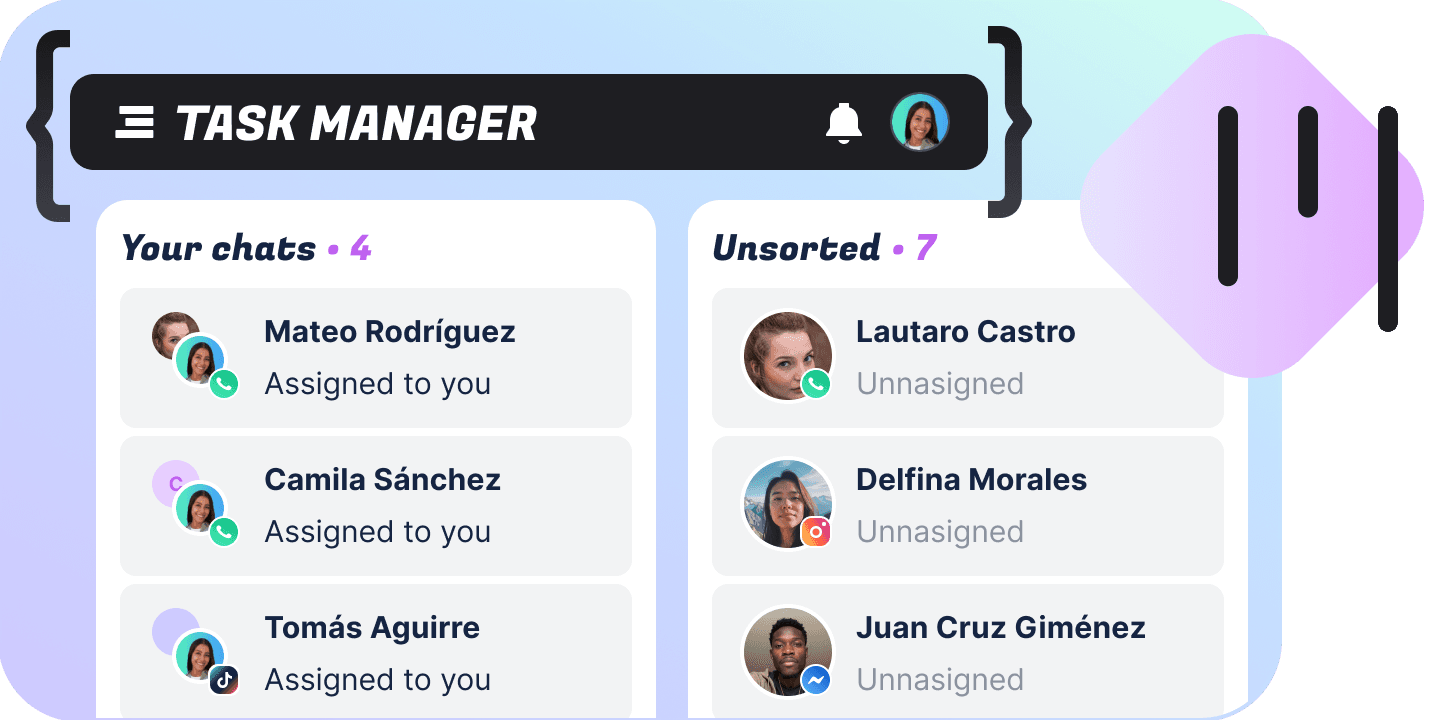
Deals
Your pipeline is the contacts you already have — six stages, a board that drags with a finger, a table you can filter on any field the bot stores, and a forecast where every money figure says how much of the pipeline it covered.
A Kanban board over the people you already talk to
Drag a customer from New to Won and the record your inbox is answering moves with them. The table and the forecast are that same board, counted two other ways.
A board of six columns
New, Sorting, Ready, Working on, Won, Lost — every customer with a stage, sitting in the column they belong to. Each column carries its own total, so you can see where the pipeline is stacked up.
The same deals as a table
Search by name or phone, narrow to the stages you want, add conditions on any attribute the bot carries. Fourteen columns are available and eight are on when it opens.
A forecast over a window
Deals per stage over 7, 30 or 90 days, a quarter, all time or a range you pick, with win rate, pipeline and weighted pipeline. Every money figure says how much of the pipeline it counted.
A panel beside the board
Amount, currency, close date, company, probability, source and lost reason, plus the name, the note and the owner. A drawer on a narrow screen, a second column on a wide one.
Moves as your team moves it
A card someone drags in another tab lands in yours, and an edit made in the inbox shows up in the panel you have open. Nobody works a stale board.
Shows what has gone quiet
A bar on the card counts the days since the deal last moved, and it turns at two days in New, three in Sorting, five in Ready and fourteen in Working on. A closed deal never ages.
The board works on a phone
Drag a card on a laptop, a tablet or a phone — the gesture is the same everywhere, and so is the board. Pick up several cards and the whole batch changes stage in one drag.
A wrong drop costs a second
One press puts the cards back where they came from, for a full minute after the move. A team moves faster on a board where a mistake is not a support ticket.
A pipeline number you can defend
Every total says how many deals went into it, so nobody walks into a meeting with a figure that quietly left half the pipeline out. Deals in different currencies are kept apart rather than added into a number that means nothing.
A board a rep can live in
Arrows walk the cards, space picks them up, 1 to 6 sends the selection to a stage, and ⌘K opens the palette from anywhere. A morning of pipeline work never has to reach for the mouse.
Drag it, work it, count it
Three views over one pipeline, and three different server queries behind them. Each can answer something the others cannot, so the module routes to the one that fits and says when an answer was narrowed here rather than by the server.
Drag it
Six columns, newest move first, and moving a card is one mutation. A selection moves together — one request per card, because there is no bulk mutation in this API — and a card the server refuses flashes and comes back alone while the rest stay.
Work it in the table
Search by name or phone, narrow to a set of stages, add conditions on any attribute, and sort by any of the deal fields. Stage, owner, unread and last message do not sort: the server orders by an attribute name, and none of those has one.
Count it in the forecast
Pick a window and read deals per stage, win rate, pipeline and weighted pipeline, then export what you loaded as CSV. Reading the board needs People · View; moving a card and editing a field need People · Edit.
Six stages
The same six run through the whole module — the columns on the board, the filter on the table, the rows in the forecast. The first four are your open pipeline; Won and Lost never age, because a closed deal sitting still is not rot.
| Name | What it means on the board | Goes stale after |
|---|---|---|
| New | Arrived and not looked at yet. Where the board expects the least patience. | 2 days |
| Sorting | Being qualified — is there anything here worth working? | 3 days |
| Ready | Qualified and waiting for somebody to pick it up. | 5 days |
| Working on | Actively being worked, and the longest leash on the board. | 14 days |
| Won | Closed, and counted in the win rate for whatever window is on screen. | |
| Lost | Closed the other way, and the one stage with a reason field of its own. |
Seven fields on a deal
None of them is a deal field in the API — each is a custom attribute on the contact, and writing a value is what creates it. Two are on the card and get summed into the column total; the other five live in the panel and in the table, and every name is one line in one file if you want it called something else.
| Name | What it holds | Where it shows |
|---|---|---|
| Amount | A plain decimal, no symbol and no thousands separator — 1500.50. | Card, panel and table |
| Close date | A millisecond timestamp, which is the form the server can read back as a date. | Card, panel and table |
| Currency | An ISO-4217 code in upper case. A deal with an amount and no currency of its own reads as the module’s default. | Panel and table |
| Company | Free text — whatever the deal belongs to. | Panel and table |
| Probability | A bare integer per cent, and the only input to the weighted pipeline besides the amount. | Panel and table |
| Source | Free text — where the deal came from. | Panel and table |
| Lost reason | Free text — why it closed the way it did. | Panel and table |
The board without a pointer
Reach every card, every selection and every stage from the keyboard. The same list is in the app behind ?, and one source feeds both the sheet and the handlers.
| Name | What it does |
|---|---|
| Global | |
| ⌘K | Opens the command palette, and it is the one binding that still works inside a text field. |
| / | Jumps to the search box. |
| ⌘Z | Undoes the last stage change, for a minute after it. |
| R | Refreshes the columns and their totals. |
| ? | Opens the same list inside the app. |
| G then B / T / F | Board, table or forecast. |
| Move around | |
| Arrows | Move between cards. Left and right hold your place in the column and skip a collapsed one. |
| Home / End | The first or the last card in the column. |
| Enter | Opens the deal beside the board. |
| Select | |
| Space | Selects the focused card. |
| Shift + arrows | Extends the selection up or down the column. |
| ⌘A | Selects the column, not the board — six columns of twenty is not a selection anyone wants. |
| Esc | Clears the selection. |
| Change stage | |
| 1 to 6 | Moves the card to that stage, or the whole selection when the focused card is part of it. |
| [ and ] | Steps one stage back or forward, and does not wrap: New and Lost are the ends. |
What it holds
The API documents none of these. They are the module’s own ceilings, each picked against something the API actually does — there is no bulk mutation, so a drag of twenty-five cards is twenty-five requests.
| Cards in a column page | 20 |
| Pages the board loads before a button | 3 |
| Rows in a table page | 25 |
| Cards in one drag | 25 |
| Undo window | 60 seconds |
| Moves you can undo | 1 |
| Saved views | 50 |
| Saved view name | 60 characters |
| Search kept in a saved view | 200 characters |
| Conditions in a saved filter | 20 |
| Values on a condition | 20 |
FAQs
Not a question this API can answer. It keeps one timestamp per deal and it is the last transition, not the moment a deal entered a stage — which also rules out funnel conversion, sales velocity, average days to close and any cohort. The forecast names all four in plain words rather than showing greyed-out controls that would imply they are on the way.