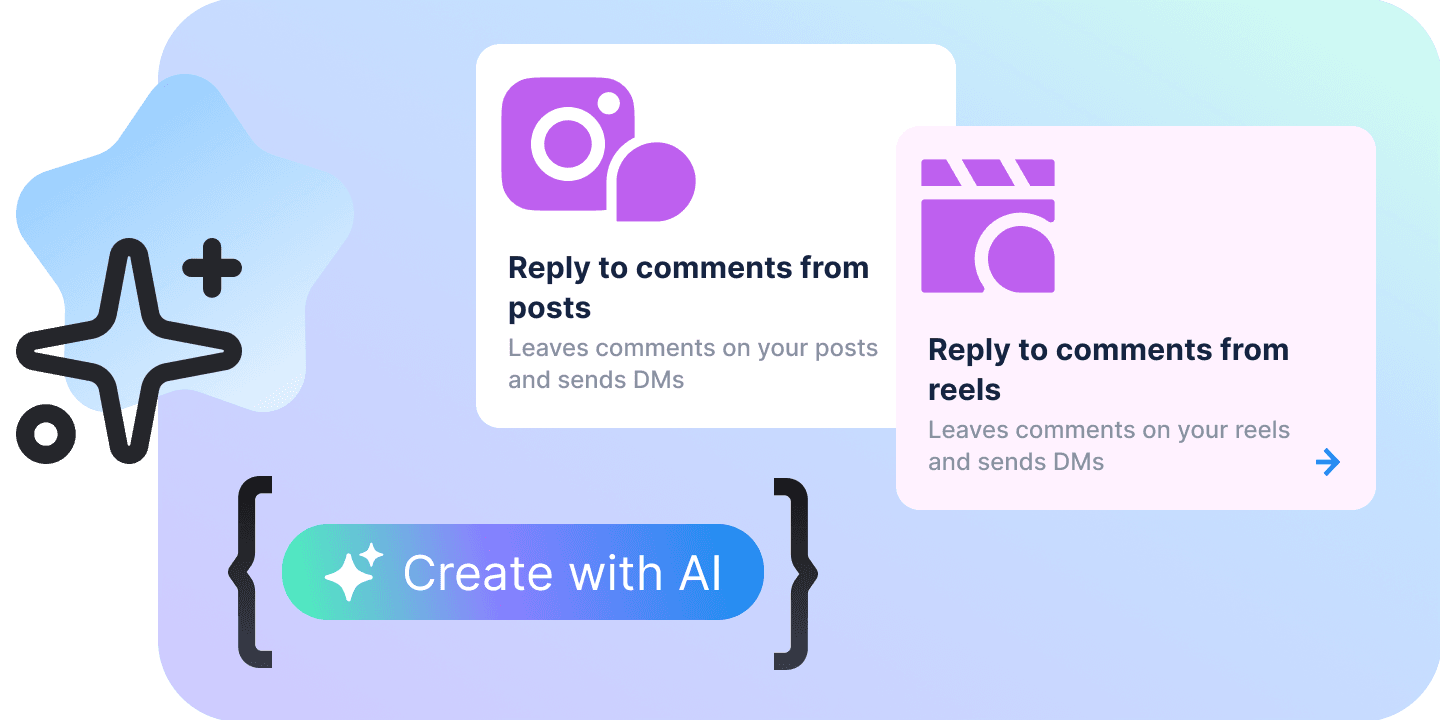
AI agent for WhatsApp and Instagram, in your own app
One agent on seventeen entry points across five channels. It answers from the knowledge base, hands over to your inbox and ships in your code.
LLM agents, not decision trees
You write who the agent is, what it may promise and how it should sound. It reads the conversation, decides what to do next and calls the actions it has — and the same surface ships as a skill your coding agent can read, so Claude Code or Codex configure it the way you would.
Answers from what it knows
The knowledge base is its brief: the business, the services, the hours, the questions it has already been asked.
Books appointments
Five levels of autonomy, from noting what the person wants to booking the slot on its own.
Hands over to a person
You describe the moment in words — the person asks for a human, a manager or a call. The agent judges it, writes the hand-off message, assigns the teammates and leaves a summary for whoever picks it up.
Qualifies the lead
It looks for what you asked it to look for and writes the answer to the contact’s own attributes.
Sells from the catalogue
Product and service images come with the answer the first time an item is mentioned, or only when the customer asks.
Follows up
One nudge when the conversation goes quiet, written the way you told it to write one.
One agent, a different brief per entry point
WhatsApp AI agents and Instagram ones are the same bot with two sources. Each source carries its own instructions, hand-off policy, follow-ups and booking autonomy, so the prompt for ad comments does not have to be the prompt for direct messages.
Rules narrow it to a trigger
A rule reacts to keywords — a comment that contains a word, matches it exactly or does not contain it — or to particular posts, stories, ads and ref links, and answers differently from everything else on that source. Up to thirty on one source.
Everything starts from Default
Change one setting on one source and only that setting stops following Default. The rest keeps inheriting, and one click puts it back.
Test on the real pipeline
The test chat opens a real preview conversation: the same prompts, the same AI, the same hand-off. What you read is what a customer would read.
Default, source, rule
One screen in your app is the whole AI agent management platform: a rail of seventeen sources, the selected source’s Default and its rules, and the test chat beside them. Three levels in one direction — a value is owned where you set it and inherited everywhere under it, the page says which settings a source has taken over, and comparing tells you whether they actually differ from what they came from.
Default
What every source starts from: who the AI is, when it replies, when it hands over, what it captures. Turning Default off turns the bot’s AI off.
A source
A channel and the way the conversation started. Override what should differ there — the prompt for ad comments, a stricter booking policy on WhatsApp — and the rest keeps following Default.
A rule
Inside a source, a rule that fires on a keyword, a post, an ad or a ref link. It follows that source’s own Default, so a rule is only the part that makes it different.
From the agent to the inbox
A hand-off is a condition the agent judges, not a keyword it matches. Without a rule it never hands a conversation over on its own; with one, the conversation lands in the inbox with a summary and a flag that stays until someone opens it.
| In the agent | Up to twenty rules on a source, three fields each. |
|---|---|
| When | The condition, in words: the person asks for a human, a manager or a call. The agent decides whether the conversation has reached it. |
| What it says | Instructions for the hand-off message rather than a fixed line — say a teammate will reply within a few minutes and thank them for waiting. |
| Who gets it | The teammates the conversation is assigned to. |
| In the inbox | What the operator sees, in the order it arrives. |
| The summary | The agent writes a summary of the conversation so far and leaves it in the thread for whoever picks it up. |
| Wants a human | The conversation is marked as asking for a human, in the list and on the contact card, until an operator opens it. |
| Take over | One button moves the conversation from Automated to Open. The bot stops answering; the operator does. |
| Close | Closing hands the contact back to a flow you pick. There is no other close. |
Seventeen entry points across five platforms
A source is a channel plus the way the conversation started, on WhatsApp, Instagram, Facebook, TikTok or the web widget. Every one of them starts from Default, and eleven also take rules of their own.
| Name | What starts a conversation there | Rules |
|---|---|---|
| Direct messages | When a contact messages you privately | |
| Post comments | When a contact comments on your post or Reel | |
| Ad comments | When a contact comments on your ad post | |
| Story replies | When a contact replies to your story | |
| ig.me links | When a contact comes from an ig.me link | |
| Click from ads | When a contact taps an ad that opens Instagram | |
| Direct messages | When a contact messages you | |
| Click from ads | When a contact taps a click-to-WhatsApp ad | |
| Click from posts | When a contact comes from a post that opens WhatsApp | |
| Direct messages | When a contact messages your page | |
| Post comments | When a contact comments on your page post | |
| m.me links | When a contact comes from an m.me link | |
| Click from ads | When a contact taps an ad that opens Messenger | |
| TikTok | ||
| Direct messages | When a contact messages you privately | |
| Post comments | When a contact comments on your video | |
| Click from ads | When a contact taps an ad that opens TikTok | |
| Web widget | ||
| Direct messages | When a contact writes in the website chat | |
Fifteen settings on a source
Eight of them are on every source and every rule. Triggers belong to the rules, and the comment replies to the sources that have comments.
| Triggers | What narrows a rule to some conversations and not others. |
|---|---|
| Look for keywords | Which comments this rule reacts to. |
| Posts | Only comments on these posts — or on every post. |
| Stories | Only replies to these stories — or to every story. |
| Ads | Only contacts who came from these ads. |
| Ref links | Only contacts who came through these ref links. |
| Replying | |
| AI instructions | What the AI knows about this source and how it answers. |
| When AI replies | Whether the AI answers around the clock or only when nobody on the team is at work. |
| Message delays | Short pauses between messages so replies read like a person typing. |
| Comments | |
| Public comment replies | The reply the AI posts under the comment itself. |
| Reply in DMs | The direct message the AI sends to someone who commented. |
| Sales and bookings | |
| Images | When the AI attaches product or service images from the catalogue. |
| Booking rules | How far the AI goes on its own when someone wants an appointment. |
| People | |
| Switch to human agents | When the AI hands a conversation to a teammate, and to whom. |
| Lead qualification | What the AI asks for and where it stores the answer. |
| Send follow-ups | A nudge when the person goes quiet. |
Six starters
A new rule can begin from one of these instead of a blank prompt.
| Keyword comment, then a DM | A comment containing price, cost or how much gets a short public reply, and the AI answers the rest in a direct message. |
| DM everyone who comments on a post | Every comment on the posts you pick gets a private AI reply and nothing public. |
| Story reply keyword | Someone answers yes or me to a story — a poll, a waitlist, a giveaway — and the AI takes it from there. |
| ig.me / m.me campaign link | One link per campaign: every chat that starts from that ref lands on this rule. |
| Click-to-WhatsApp ad | Every chat opened from a click-to-WhatsApp ad, with one nudge if the person goes quiet. |
| TikTok viral video | Comments containing price or link get a public AI reply pointing at the profile link. |
What it costs to run
Two meters out of the workspace balance, and the plan the balance comes with. No seat price and no per-resolution fee; the SDK and the app it writes are free, and the AI does not answer until the workspace has a plan.
| Name | What it is | Price |
|---|---|---|
| The meters | What comes out of the balance. | |
| AI input | Everything the agent reads on a message: the knowledge base and the conversation so far. | $2.75 per 1M tokens |
| AI cached input | Input the model has already read once. | $0.275 per 1M tokens |
| AI output | What it writes back. | $16.50 per 1M tokens |
| Conversion event reported to Meta | Only when an event set in the ads module fires; a hand-off can be one. | $0.02 per event |
| Part of the plan | ||
| Inbox, contacts, deals, bookings, flows, publishing | Every module and every channel, on any plan. | Free |
| The SDK and the app it writes | MIT, copied into your project as source. | Free |
| The workspace | Where the bot lives and where the balance comes from. | |
| Business | One business, one bot, your own app. $20 of credits a month for the meters to draw from. | $20 a month |
What it holds
The ceilings the API enforces, checked before a save rather than after it.
| Rules on one source | 30 |
| Keywords in a rule | 50 |
| Posts, stories or ads in a rule | 50 |
| Ref links in a rule | 20 |
| Hand-off rules | 20 |
| Lead captures | 40 |
| AI instructions | 5,000 characters |
| Reply and follow-up prompts | 3,000 characters |
| Exact reply text | 1,000 characters |
| Images per catalogue item | 0–10 |
Five things, and each is on this page. It answers from a knowledge base you write. It carries a different brief on a click-to-WhatsApp ad than in a direct message. It hands over on a condition in words and leaves a summary in the thread. Its test chat runs the production pipeline, not a simulation. And it is billed in the tokens it reads and writes, with no seat and no per-resolution fee.