Appointment booking chatbot, in your own app
Give your clients a booking bot inside the app you ship them. Their customer asks for a time on WhatsApp or Instagram, the AI agent takes it as far as the client allows, and the appointment lands on a calendar their team runs — under your brand, without a call to you.
The appointment chatbot your clients run themselves
The salon, the clinic, the studio: each of them takes appointments, and each of them would rather not ask you to change an opening hour. This is the workspace you hand them, with the bot taking the requests.
The salon moves an appointment by dragging it
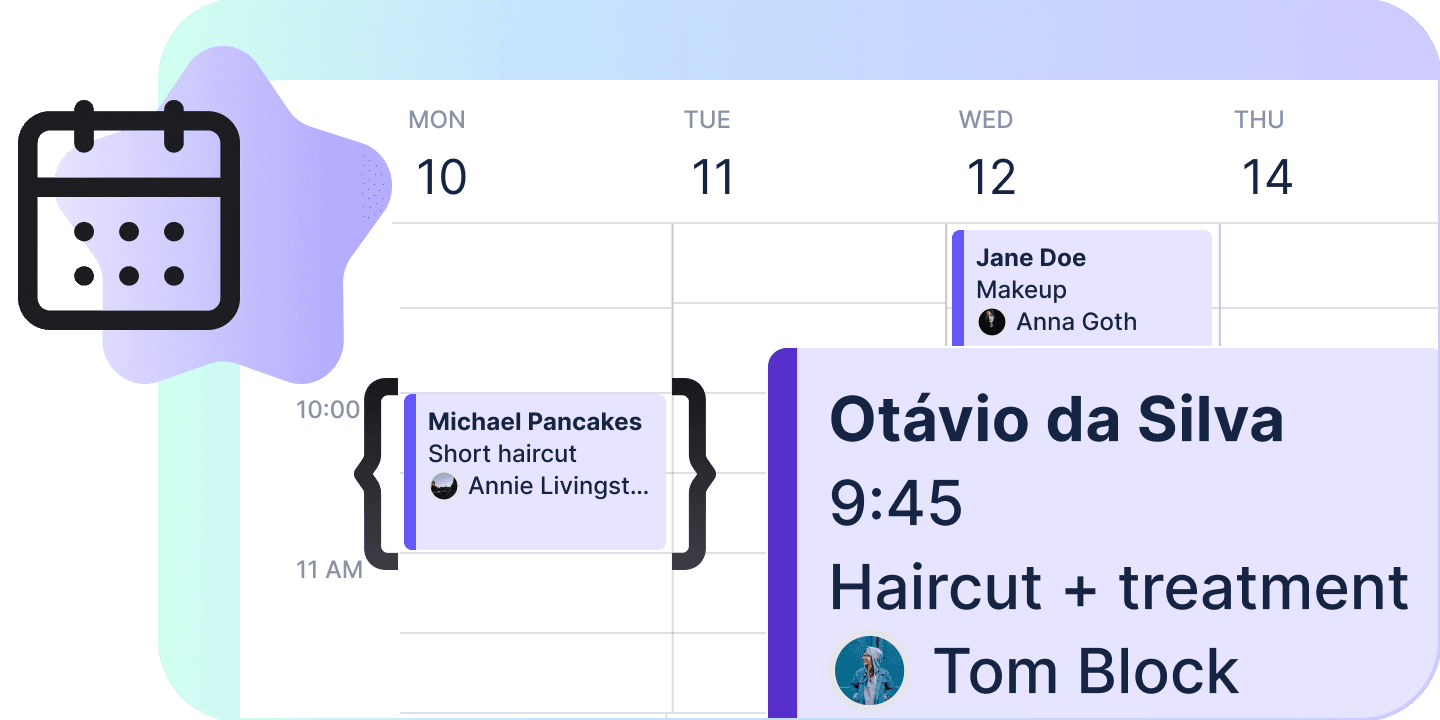
Day, week or month, a column per day or per stylist. They drag a booking to another hour, its edge to lengthen it, empty grid to start a new one.
The front desk works through tomorrow’s list
Upcoming, past or a range they pick, with search, filters and sortable columns. They confirm a whole selection at once, or take the rows out as CSV.
Each specialist keeps their own hours
Weekly hours with a break, the services that person offers, and their own Google Calendar. Those hours decide which times are offered.
The studio prices its own services
Every service with its duration, its price, its photos and whether it is on offer today. It is the same catalogue the AI agent quotes from, edited without you.
The clinic writes its own reminders
The confirmation and the notices 24 and 2 hours before, in one of five languages, sent through Chatfuel or the client’s own WhatsApp number.
The owner sees who did not show up
Status mix, no-show and cancel rates, attended revenue per currency, utilisation per specialist and the busiest hours, for the dates they have on screen.
From a message to a booked slot
A customer asks for a time in a WhatsApp or Instagram chat, and the AI agent answers there. It notes the request, proposes a slot or books it — whichever your client chose for that channel — and the appointment appears on the calendar while the team watches.
It only offers a time that is free
The booking wizard shows the start times each specialist is open for that service on that day, with what is already booked taken out. Pick “anyone” and it books the first person free at the time chosen.
The AI books as far as your client lets it
Five levels: note what the customer wants and leave it to a person, propose a slot a teammate approves, book and have it reviewed, book on its own, or never book. One setting in AI Agent, with a different answer per channel when they want one.
A slip at the front desk is fixed at the front desk
A teammate’s tab follows every move live, so two people at the desk look at the same day. ⌘Z takes a move or a status change back for a minute, and a delete asks first. None of it is a ticket to you.
The hours, the AI’s limit, the outcome
Three decisions your client makes on their own. The hours come first, because free times are worked out from the staff’s weekly schedules and nowhere else.
Set the hours and the services
Each specialist gets a weekly schedule with a break and the services they offer. The wizard offers times inside those hours only.
Decide how far the AI books
One of five levels, from noting the request to booking on its own, per bot or per channel. The team books through the wizard or a drag.
Mark what happened
Confirmed, Attended, No-show, Needs reschedule or Canceled, from the panel, a row menu or a digit key. To reschedule, drag it.
Where an appointment is
Every booking starts Pending and the team moves it on from there, so Pending is the one status nobody sets by hand. Any other move is open, Canceled back to Confirmed included.
| Name | What it means | Can be set | Holds the slot |
|---|---|---|---|
| Pending | Where every booking starts, before anyone has resolved it either way. | ||
| Confirmed | Agreed with the customer and expected to happen. | ||
| Attended | They came. The only status attended revenue is counted from. | ||
| No-show | They did not. This and Attended are the two numbers the no-show rate is made of. | ||
| Reschedule | Needs a new time. The block stays on the grid, drawn tentatively, until it gets one. | ||
| Canceled | Called off. The one status that gives the time back — it is offered again and utilisation stops counting it. |
Five levels of AI autonomy
What the AI agent may do by itself when a customer asks for an appointment. Your client sets it in AI Agent — once for the whole bot, or differently for a channel — and sees it here beside the rest of the booking settings.
| Name | What the AI does |
|---|---|
| Collect intent | The AI collects what the customer wants; a human books it. |
| Propose, a teammate approves | The AI proposes a slot; a teammate approves before it is booked. |
| Book, a teammate reviews | The AI books; a teammate reviews it afterwards. |
| Full autonomy | The AI books on its own. |
| Don’t book | The AI answers questions but never books. |
What the settings page controls
The booking settings the whole bot shares: what the customer is sent, in which language, through which channel, and on which clock.
| Name | What it sets |
|---|---|
| Send through | Chatfuel, or the client’s connected WhatsApp number. |
| Confirmation message | Whether a confirmation goes out when the appointment is made, and what it says. |
| Reminders | A notice 24 hours before and one 2 hours before, each with its own text, on every appointment. |
| Language | English, Spanish, Portuguese, Indonesian or Malay. |
| AI autonomy | Shown here, changed in AI Agent, so one setting has one home. |
| Time zone | The client’s clock. Every schedule, every free time and every time on every screen is read on it. |
| Booking page | The link to the booking page Chatfuel hosts, on the bots that have one, to copy and open. |
The numbers it works to
| Longest range on the appointments list | 366 days |
| Upcoming loads | 90 days at a time |
| Past loads | 30 days at a time |
| Shortest booking | 5 minutes |
| Longest booking | 24 hours |
| Drag, resize and nudge snap to | 15 minutes |
| Free times offered every | 15 minutes |
| Breaks in a working day | 1 |
| Service title | 120 characters |
| Service description | 1,000 characters |
| Photos on a service | 10 |
| Undo | 60 seconds, one entry |
A customer writes to the business on WhatsApp, Instagram, Facebook, TikTok or the web widget and asks for a time. The AI agent answers in that chat from the services catalogue, and what it does next is a setting: collect what the customer wants for a person to book, propose a slot a teammate approves, or book on its own. The appointment sits on the calendar in your client’s app, where their team confirms it, moves it and marks who came.
One command, and every client you ship to gets a booking bot
npx @chatfuel/wizard