Knowledge Base
Everything the AI knows about your business, as one record you edit: eight sources in a rail, a character budget instead of an index size, a lint that names the row to fix, and the questions it had to hand to a person.
A record, not a pile of documents
What the agent reads is a record you write: the business profile, your own notes, question and answer pairs, a catalog. No upload, no crawler, no embeddings — every line of it is a line a person can open and fix.
Introduces the business
Company name, phone, email, address, how to pay — each one handed out at the moment a customer asks for it.
Says when you are open
Seven days of opening hours, saved together. Without them the agent cannot answer a booking question at all.
Answers the usual questions
FAQ pairs phrased the way customers ask them, read in the order you put them in.
Quotes a price, sends a photo
Products with a title, a description, a price and up to ten photos — the first one is the one it sends. It will not quote a price it does not have.
Offers what can be booked
The bookable services and the specialists a customer can be booked with, mirrored from Bookings.
Explains the rest in your words
The free-text half of the business: how you work, what you will not do, the quirk somebody has to know before promising anything on your behalf.
You can see what it costs
The agent re-reads all of this on every conversation, so the price of a source is the characters in it — and the page shows which one is spending them. The server says when it is full; nothing here draws a bar against a ceiling we invented.
It marks the rows to fix
The same question answered twice, an empty answer, a product with no price, a price list pasted into the notes. Every finding opens the row that caused it.
Import a file or paste the text
CSV, TSV, TXT or Markdown, parsed in your browser. You see every row and what it will cost before anything is written, duplicates flagged and skipped. Out again as CSV for a spreadsheet or JSON for everything else.
Gaps, from your own inbox
The questions the agent handed to a person, grouped by word overlap and ranked by how often they came up — counts of real conversations, never a confidence score. One button per group writes the FAQ with the question already filled in.
Write it, check it, close the gaps
The rail groups the record the way a person works through it: say who you are, give the agent something to answer with, then find out what it still cannot answer.
Your business
The profile — name, phone, address, opening hours, how to pay — and the free text underneath it. Each field has its own save, and the format checks are advisory: a warning says a phone number looks unusable to a customer without refusing to store it.
What it answers
FAQ pairs in the order the agent reads them, products with prices and photos, and the bookable services and specialists Bookings owns. They are shown here read-only, because they are part of what the agent knows and they spend the same budget.
Improve
The Overview lints the whole record and links each finding to the row behind it. Gaps sweeps the recent inbox for the conversations the agent gave up on, groups the questions, and marks the ones an FAQ already covers — those need a better answer, not a new one.
Eight sources, one record
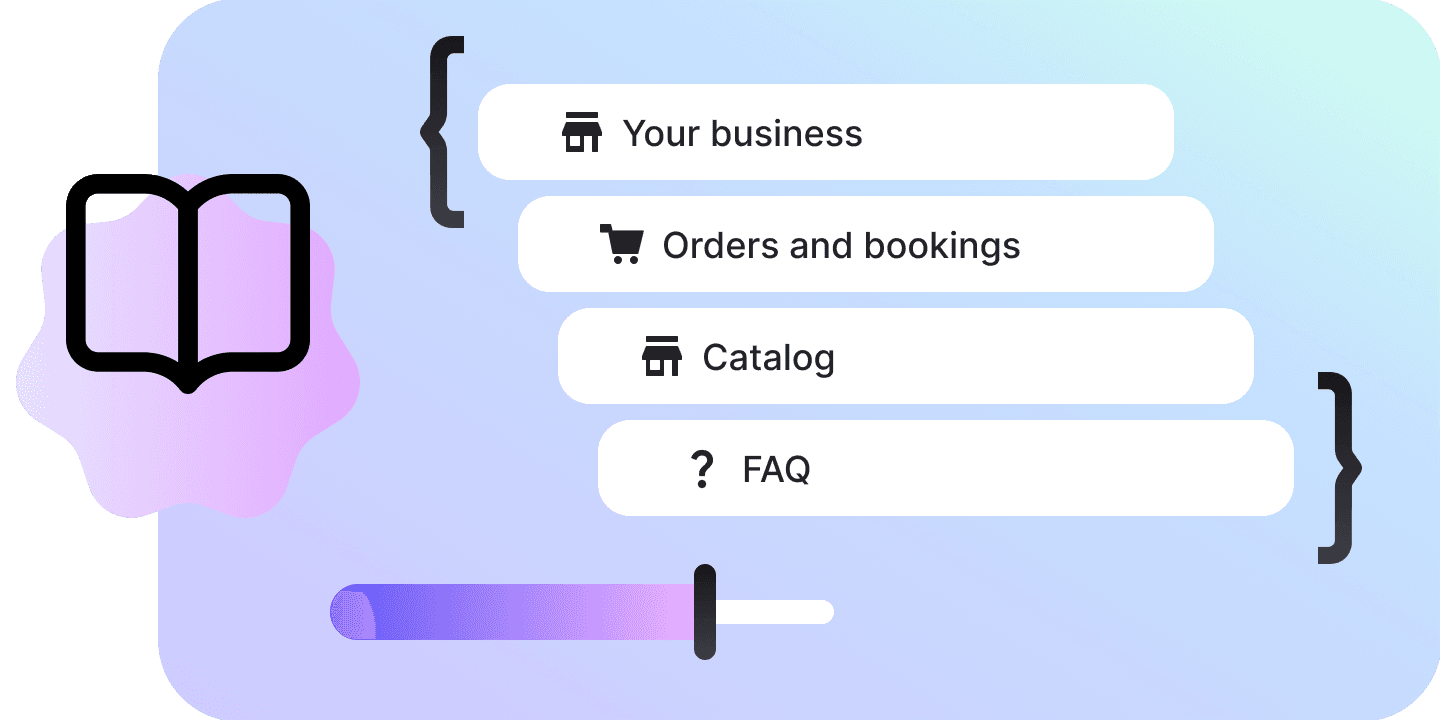
The server keeps one record; the rail reads it as eight sources, and the same table drives the deep links, the budget breakdown, the command palette and the readiness checklist.
| Name | What it holds | Spends the budget |
|---|---|---|
| Overview | ||
| Overview | What your AI knows, what it costs, and what is missing. | |
| Your business | ||
| Business profile | Who you are: name, contacts, address, opening hours, how to pay. | |
| About the business | Anything else the assistant should know — how you work, and what you do not do. | |
| What the AI can answer | Services and Team are edited in Bookings, and read here. | |
| FAQ | Question and answer pairs, phrased the way customers ask them. | |
| Products | What you sell: title, description, price, photos, availability. | |
| Services | Bookable services the assistant can offer and schedule. | |
| Team | The specialists a customer can be booked with. | |
| Improve | ||
| Gaps | Questions the assistant handed to a human — the list of what to write next. | |
The business profile
Every field saves on its own, because every one of them is its own mutation on the server and there is no bulk update.
| Name | What the assistant does with it |
|---|---|
| Company name | How the assistant introduces you. |
| Phone | Given out when a customer asks to call. |
| Given out when a customer asks to write. | |
| Address | Given out for directions and parking questions. |
| Website | Linked when the assistant sends someone to read more. |
| How to pay | Cards, cash, transfer, deposits — whatever a customer needs to know before booking. |
| Opening hours | When you are open, all seven days written at once — and what a booking question is checked against. |
Five starters
A blank page is the hard part, so “About the business” can open from one of these. Each is built on the four questions a new employee asks on their first day — what we do, how we work, what we do not do, worth knowing — and every one of them passes the module’s own lint.
| Salon and beauty | Hair, nails, brows — appointments and the rules around them. |
| Online shop | Retail and ecommerce — stock, delivery, returns. |
| Clinic and practice | Dental, medical, veterinary — where the limits matter most. |
| Restaurant and cafe | Tables, groups, dietary questions. |
| Services and B2B | Agencies, studios, consultancies — qualifying an enquiry. |
What it holds
The server publishes no size for a knowledge base, so the rest of this is what the module itself stops at and where its lint starts warning.
| Knowledge base size | No published ceiling |
| An FAQ answer | 600 characters |
| About the business | 4,000 characters |
| Catalog item title | 120 characters |
| Catalog item description | 1,000 characters |
| Photos per catalog item | 0–10 |
| A bookable service | 1 minute to 24 hours |
| Chats one gap scan reads | 200 |
| Conversations it opens | 50 |
| Messages it reads in each | 12 |
| Earlier versions of your notes | 8, this browser session |
| Undo | 60 seconds |
| An import file | 2 MB |
FAQs
No. There is no file upload, no crawler, no chunking, no embeddings, no vector search and no retrieval endpoint anywhere in this API — it is a structured record, not a document store. An import parses a file or pasted text in your browser and shows you every row it is about to create, and then those rows are real FAQ entries and real catalog items you can edit one at a time.