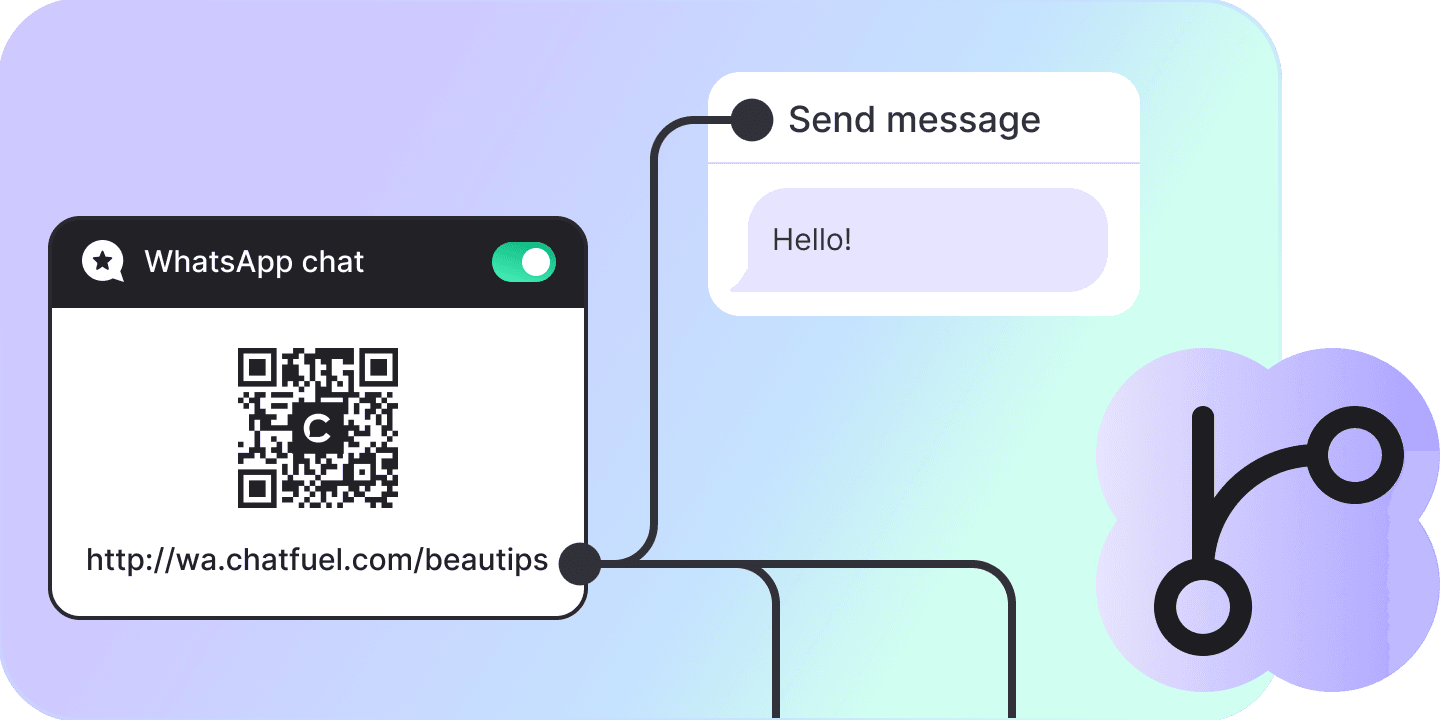
Flow Builder
The canvas for the part of a conversation you want scripted exactly — twenty-seven kinds of block, an editor for every one of them, tested against the live bot.
Typed cards on a canvas, not a config file
Every block is its own type with its own fields, so a WhatsApp list opens a list editor and a template opens a template picker. No JSON anywhere — and the same surface ships as a skill your coding agent reads.
A flow per platform
A flow belongs to WhatsApp, Instagram, Facebook, TikTok or the site widget, and the palette offers that platform’s blocks and no others.
Messages, in every shape
Text, images, video, audio, documents, list messages, approved templates and buttons — each one a card you fill in.
Buttons are the branches
Drag from a button to the block it should lead to. Drop the edge on empty canvas and the block is created already wired.
It waits for the answer
A content block holds the flow there until the contact replies, so what comes next can read what they said.
Logic between the messages
Branch on a segment, set or clear a contact property, post JSON to your own endpoint, summarise the chat, jump into another flow.
Hand it over, either way
An AI-agent block answers inside the flow; a hand-off block moves the conversation to a person in the inbox.
Twenty-four dedicated editors
Every element type the API has setters for is fully editable. Validation is state rather than failure: a fresh card starts with errors, each mutation hands them back recomputed, and the block shows how many are left.
A test is a real conversation
Start test mints a preview conversation and runs the flow from its starting point. Sends travel the production pipeline, so WhatsApp behaves like WhatsApp, and a reload rejoins the same session.
Move ten blocks, send one request
Marquee-select, drag the group, and it goes out as a single bulk position update. Undo runs fifty steps deep and works by sending the opposite request, because the API has no revert.
Entry points on the same canvas
Four of the twenty-seven families start a flow instead of continuing one: the site-chat entry point, a triggered message, a one-time WhatsApp broadcast and a scheduled send. Enabling one is refused while its elements are invalid.
Flow, block, element
A flow is blocks, a block is elements, and an edge leaves a block or one of its buttons. Everything is strongly typed, so a card knows its own fields and the inspector knows which ones it has.
A flow
One scripted conversation on its own canvas, belonging to one platform. It runs from the block you mark as its starting point, and other flows can redirect into it.
A block
A card on the canvas at server-stored coordinates. Sixteen kinds, each with one “next” edge out of it, plus an outlet on every button, list row and condition.
An element
The plugin card inside a block — the message, the condition, the webhook call. Thirty kinds, stacked in a block where the platform allows it, reordered and deleted from the inspector.
Twenty-seven kinds of block
All of them ship with the module. A flow has one platform, so its palette shows that platform’s families plus the seven that belong to no platform; four of the twenty-seven start a flow rather than continue one.
| Name | What the block does | Included |
|---|---|---|
| Widget | ||
| Widget text + buttons | A message in the site chat with buttons under it. | |
| Widget image | A picture in the site chat. | |
| Human agent (widget) | Hands the conversation to a person. | |
| Widget entry point | Starts this flow when someone opens the site chat. | |
| WhatsApp text | A text message, with contact attributes written into it. | |
| WhatsApp image | An image with an optional caption. | |
| WhatsApp video | A video with a file name and an optional caption. | |
| WhatsApp audio | An audio file. | |
| WhatsApp document | A document with a file name and an optional caption. | |
| WhatsApp text + buttons | Header, body and footer text with reply buttons that continue the flow. | |
| WhatsApp text + URL | The same message, with a button that opens a link instead. | |
| WhatsApp list | A menu of rows the customer picks one of. | |
| WhatsApp template | A Meta-approved template, picked from the catalogue and filled in. | |
| Human agent (WhatsApp) | Hands the conversation to a person. | |
| Triggered message | Starts the flow when its trigger fires, for the contacts in its segment. | |
| One-time broadcast | Sends this flow once to a segment, behind a confirm dialog. | |
| Scheduled message | Sends this flow on a schedule — weekdays, certain dates, or every few days. | |
| The one Instagram family in the API. | ||
| Human agent (Instagram) | Hands the conversation to a person. | |
| TikTok | The one TikTok family in the API. | |
| Human agent (TikTok) | Hands the conversation to a person. | |
| The one Facebook family in the API. | ||
| Human agent (Facebook) | Hands the conversation to a person. | |
| Actions | On every flow, whatever its platform. | |
| Condition | Branches on a segment of contact filters, with one outlet for the contacts that match. | |
| Set contact property | Writes a value to one of the contact’s attributes. | |
| Clear contact property | Empties one of the contact’s attributes. | |
| Send JSON | Calls an HTTP endpoint, with headers, a payload and rules for parsing the reply. | |
| Summarize chat | Has the AI read the conversation and store what you asked it to look for. | |
| Redirect to flow | Continues in another flow. | |
| AI | ||
| AI agent | Hands the conversation to an AI agent, started from one of six templates. | |
The canvas from the keyboard
One binding list, bound to the editor element rather than the window, so a host page’s own ⌘K stays the host’s.
| Name | What it does |
|---|---|
| Global | |
| ⌘K | The command palette: every canvas action, and every block in the flow by name. |
| / | Find a block by name. |
| ? | The shortcut sheet, which a test keeps in step with the bindings. |
| T | Open or collapse the test chat. Collapsing keeps the conversation running. |
| F | Fit the flow on screen, or just the blocks you have selected. |
| Tools | |
| 1 or V | The select tool. |
| 2 or H | Pan. Holding space pans in any tool. |
| 3 | Connect: click a block, then the block it should lead to. |
| 4 | Open the block palette. Pick one, then click the canvas where it should go. |
| Enter | Place the picked block at the centre. |
| Select | |
| ⌘A | Select every block. |
| Esc | Clear the selection, a picked block, or a half-made connection. |
| Edit | |
| Delete or Backspace | Delete the selection. A block is confirmed first; a connection goes at once. |
| ⌘Z, ⇧⌘Z | Undo and redo, fifty steps deep. |
What it holds
The numbers the editor is built around, read out of the module rather than estimated.
| Undo history | 50 steps |
| Cached flow snapshot | 1,000,000 characters |
| Flows kept prefetched | 8 |
| How long a prefetch stays fresh | 30 seconds |
| Auto-layout column step | 320 px |
| Auto-layout row step | 220 px |
| Attribute names fetched per request | 100 |
| Image upload | 4 MB |
| Video, audio or document upload | 15 MB |
FAQs
No. Every block type has its own fields and its own editor — a list editor for a WhatsApp list, a template picker for a template, a segment builder for a condition. There is no JSON config anywhere in this API.