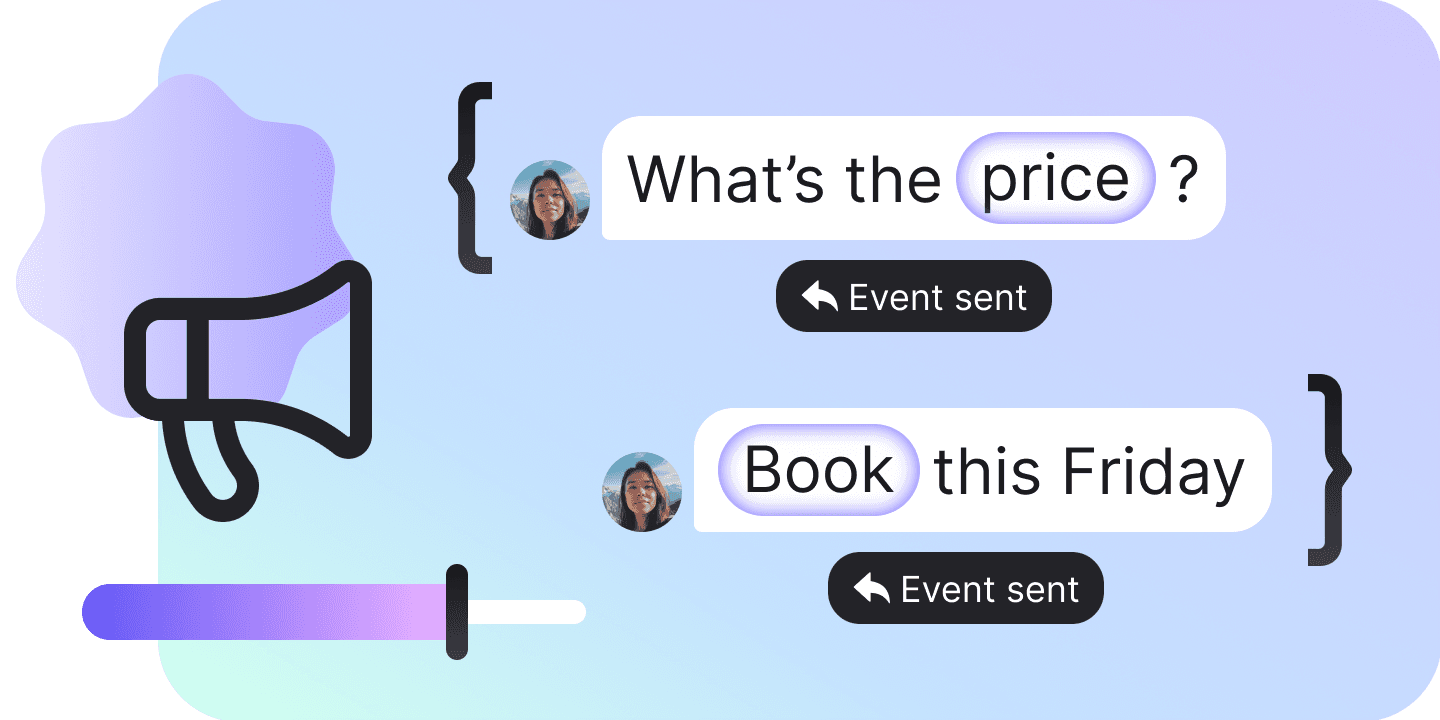
Ads Optimization
The conversation a click-to-WhatsApp ad started tells Meta what came of it — a lead, a checkout, a purchase — on the triggers you set, under Meta’s own names or a name you invent, for every ad at once or for the ads you list one by one.
What the ad bought you, reported back to Meta
Meta optimizes a click-to-WhatsApp campaign on the conversions you report back to it. This is where you decide which moments in a conversation count, and for which ads.
Reports Meta’s own conversions
Fourteen names Meta already knows, from a purchase to a review, sent over the Conversions API. A name of your own goes out verbatim, up to fifty characters.
Watches for seven things
A keyword, a contact property, a contact status, a hand-off to a human, a booking, the first message. Or a condition you write in a sentence and the AI judges.
Covers every ad by default
One set carries no list of ads at all, and that absence is what makes it every click-to-WhatsApp ad. It is the fallback every other set exists to override.
Overrides it ad by ad
Up to thirty custom sets, each claiming up to fifty ads by id and reporting something else for them. A set with no events of its own follows the default until you save one.
Names the rival for a contested ad
Nothing on the server reports that two sets claim the same ad, and one of them silently loses. The module builds the reverse index itself and says which other set holds it.
Says whether any of it is delivered
Conversions go out only while the bot’s WhatsApp number carries Meta’s conversions permission. When it does not, the workspace says so — a set that delivers nothing looks exactly like one that works.
A condition you describe in words
The seventh trigger is a sentence of up to 512 characters saying what a converted conversation looks like, and the AI decides whether it happened. No keyword list catches “they accepted the quote”.
Ad ids straight out of the address bar
Paste the Ads Manager URL and the ids come out of it in order, without repeats. The ad-ids parameter in that link is trusted exclusively, so the account id sitting in the same URL is never taken for an ad.
Nothing thrown away at the twentieth event
The server refuses the whole list, so one bad event would take nineteen good ones typed in the same session with it — every ceiling is checked before the write instead. Undo holds one entry for sixty seconds.
Twenty conversions in a set, in the order you drag them
The order is stored as part of the value, so a set reads the way it was arranged rather than the way it was typed. Two events asking for the same conversion on the same trigger are refused.
Default, override, save
A set is an automation over the click-to-WhatsApp ads scope. One of them covers everything, and the rest exist to disagree with it.
The default set
One per bot, carrying no list of ads: that absence is what makes it every click-to-WhatsApp ad the bot has. It is shown as Default events for all ads, because the API leaves it unnamed.
A custom set claims its ads
Up to thirty of them, each listing up to fifty ad ids and overriding the default for exactly those ads. Nothing on the server notices two sets listing the same ad, so the module names the rival on the id itself.
Saving ends the inheriting
Until a custom set has events of its own it follows the default, and saving one takes a private copy: the set stops following, and every event in it comes back with a new id. Reading needs Flows · View, every write needs Flows · Edit, and the delivery state needs Bot · View.
Fourteen conversions Meta already knows
Report one of these and Meta can optimize the campaign towards it. Anything else is a name of your own — up to fifty characters, passed to Meta verbatim, and remembered by the bot so the next event offers it.
| Name | The name Meta knows |
|---|---|
| Purchase | Purchase |
| Lead submitted | LeadSubmitted |
| Checkout started | InitiateCheckout |
| Added to cart | AddToCart |
| Content viewed | ViewContent |
| Order created | OrderCreated |
| Order shipped | OrderShipped |
| Order delivered | OrderDelivered |
| Order canceled | OrderCanceled |
| Order returned | OrderReturned |
| Cart abandoned | CartAbandoned |
| Qualified lead | QualifiedLead |
| Rating given | RatingProvided |
| Review given | ReviewProvided |
Seven things that can fire one
Every event is two decisions: which conversion is reported, and what fires it. Each trigger carries whatever it needs — the words to match, the condition on the property, the statuses, the hand-off source, or the sentence the AI reads.
| Name | What fires it |
|---|---|
| Keywords | The contact sends a message that matches the words you list. |
| Contact property | A property on the contact card comes to match your condition. |
| Contact status | The contact reaches one of the statuses you pick. |
| Handed to a human | The AI passes the chat to a teammate, or a teammate takes it. |
| Booking | A booking is made in the conversation. |
| First message | The contact sends the first message of the conversation. |
| A condition in words | The AI decides the conversation has met a condition you describe. |
What it holds
Every one of these is the API’s own ceiling, checked here before the write rather than after it. The server refuses the whole list, so one bad twentieth event would throw away nineteen good ones typed in the same session.
| Custom sets on a bot | 30 |
| Set name | 200 characters |
| Events in a set | 20 |
| Ads in a set | 50 |
| One ad id | 60 characters |
| A conversion name of your own | 50 characters |
| A condition in words | 512 characters |
| Keywords on one event | 50 |
| One keyword | 50 characters |
| Undo | One entry, 60 seconds |
FAQs
Configured is not delivered. Conversions go out only while the bot’s WhatsApp number carries Meta’s conversions permission: with no number connected, with the permission missing, or after Meta withdraws access, nothing set up here is sent. The module reads that state and says so on screen, because a set that delivers nothing looks exactly like one that works — and re-granting the permission is an interactive consent in Chatfuel that no app on the public API can run on your behalf.